

Notification queue
All notification emails go through a queue before actual delivery. This allows keeping a history and a list of the various emails sent.
An automatic action (queuedmail) allows the sending of pending emails (see Configure automatic actions). Another automatic action (queuemailclean) cleans the queue by keeping only recent emails.
The delay applied for sending notifications can be defined at entity level, see administration by entity). This allows for example in the case of rapid multiple modifications of an object to send only one notification.
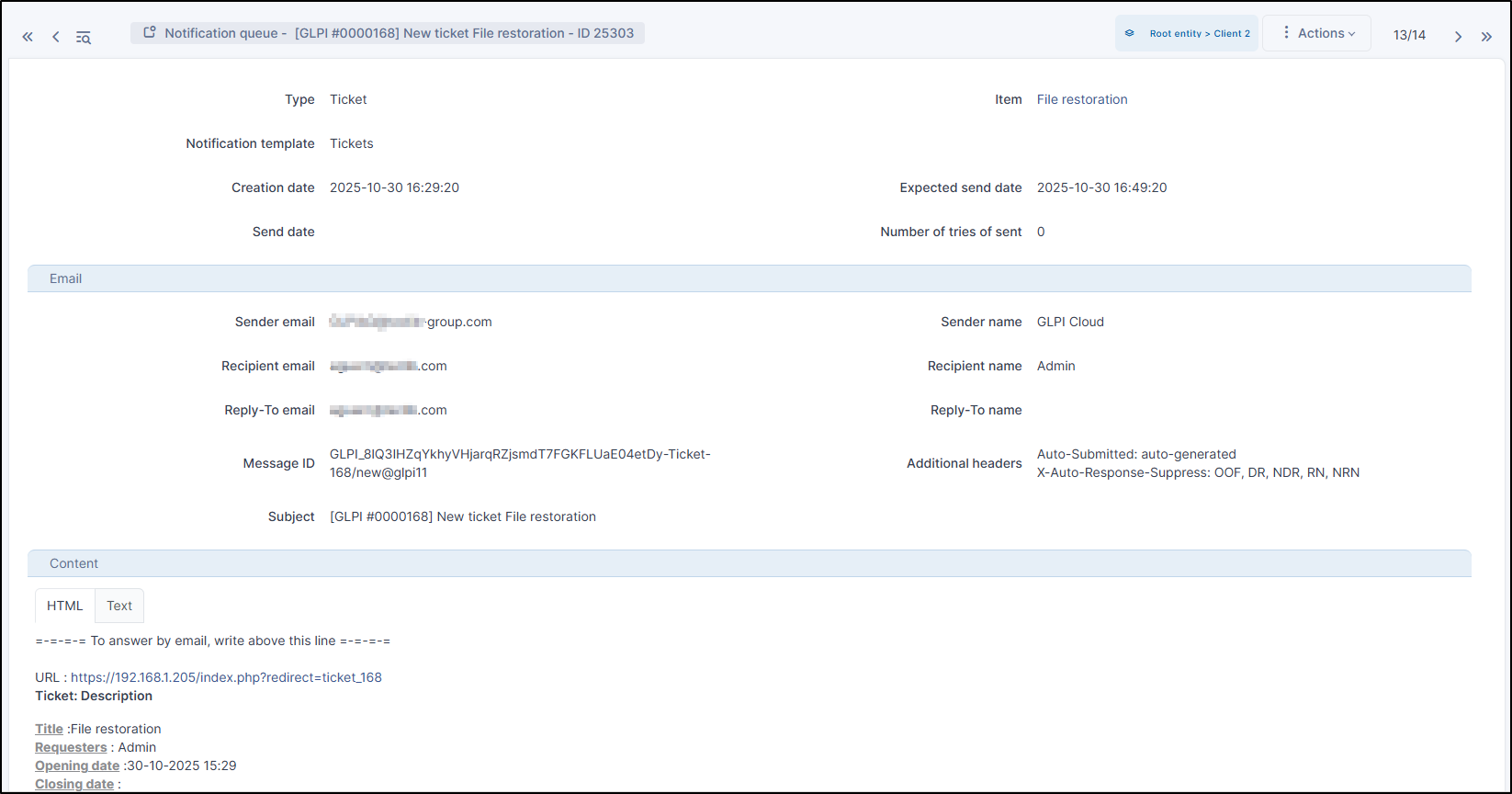
In the example above, the deadline for sending email notifications has been set to 20 minutes in the configuration of the entity; as a consequence the sending date is set at 20 minutes after the creation date.
Once the notification has been sent, the queue is placed in the recycle bin with the date sent.
Last updated